Hotkey Sound Player
You’re in the middle of an intense gaming moment, the chat is going wild, and you need an airhorn sound right now. You don’t have time to switch windows and search for a button.
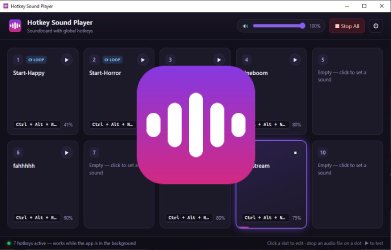
Hotkey Sound Player runs quietly in your system tray and lets you trigger sounds instantly using customizable keyboard shortcuts. Whether you’re gaming, chatting, or streaming, your sounds are always just one keypress away.
Features
10 Sound Slots with Quick Setup
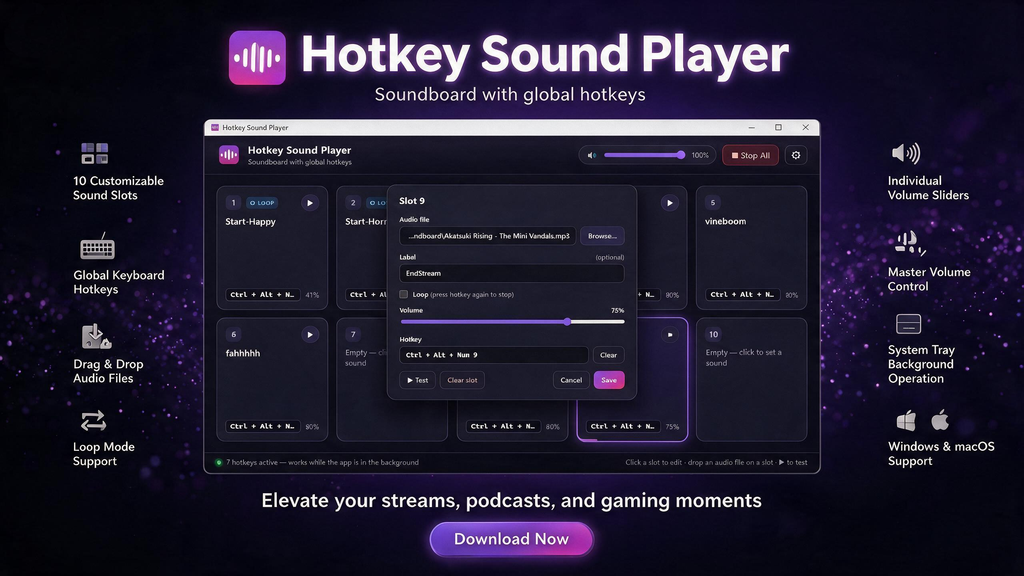
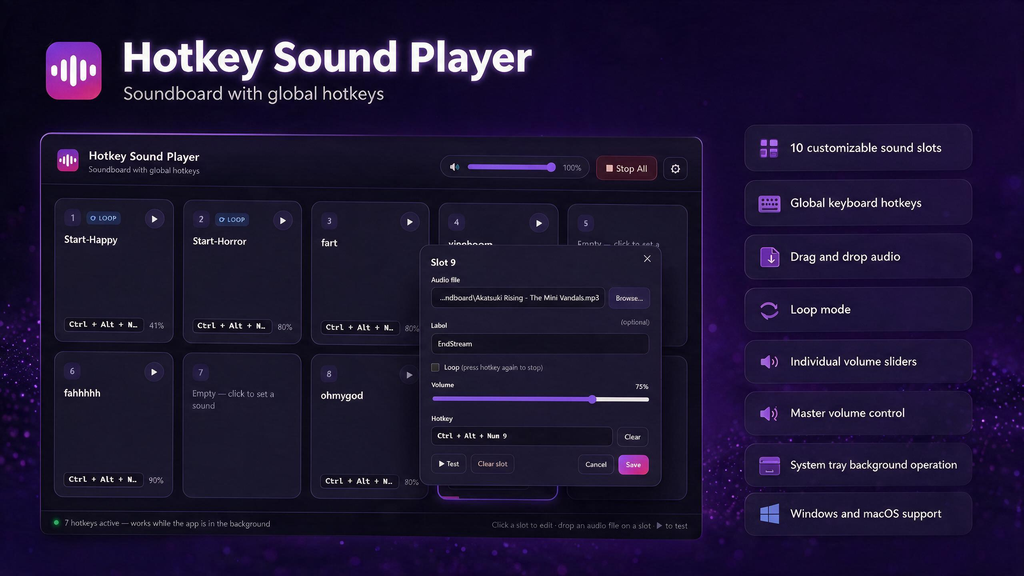
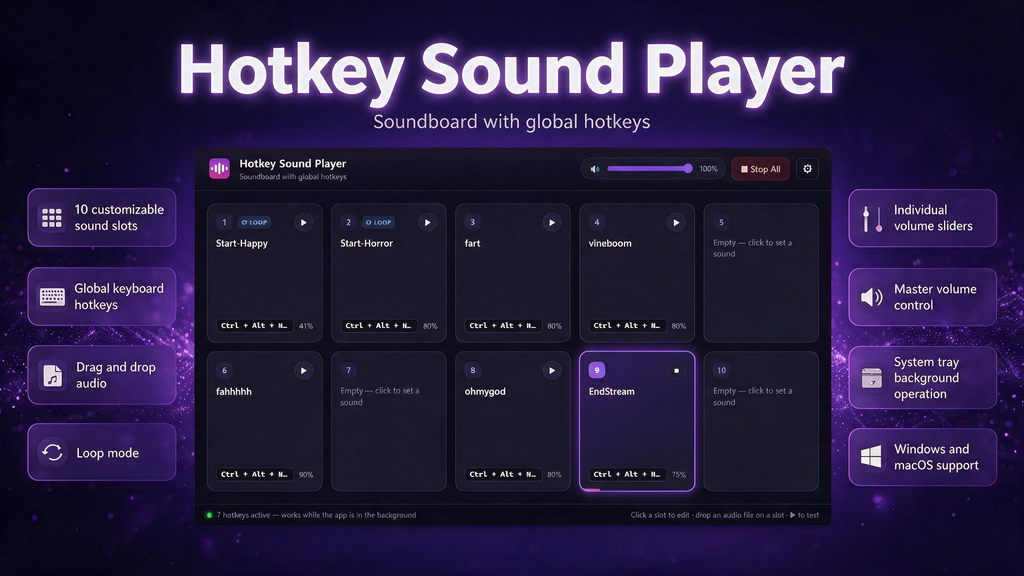
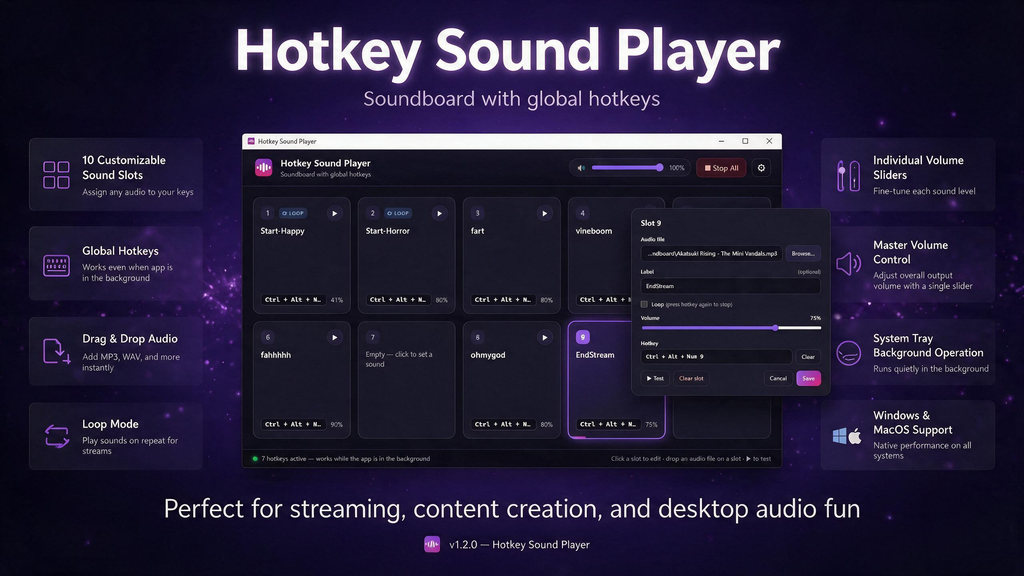
Click a slot, select an audio file, assign a hotkey, and you’re ready to go. You can also drag and drop audio files directly onto any slot for faster setup.
Global Hotkeys
Trigger sounds while gaming, chatting, or streaming, even when the application window is minimized or closed. Assign combinations such as Ctrl+Alt+1, numpad keys, or F13–F24, making it easy to integrate with a Stream Deck or macro keypad.
Loop and One-Shot Playback
Configure sounds to loop continuously for background music or ambience. Press the assigned hotkey once to start playback and again to stop it. Alternatively, use one-shot playback to restart a sound every time you press its hotkey. Multiple sounds can play simultaneously.
Individual and Master Volume Controls
Adjust the volume of each sound independently using its own slider. The master volume lets you control the overall output level, helping you balance audio clips with different loudness levels.
Selectable Audio Output Devices
Route sounds to any available audio output device, including virtual audio cables such as VB-Audio, Voicemod, and BlackHole. This allows you to send sound effects to a dedicated track in OBS and mix them separately from your game audio and microphone.
Instant Stop All
Stop every active sound immediately with a dedicated button or a customizable hotkey. Regain control of your audio whenever you need it.
Portable and Easy to Carry
On Windows, Hotkey Sound Player runs as a single portable .exe without requiring installation. Your settings are stored alongside the application, making it easy to carry your entire soundboard on a USB drive.
Compatible with Windows and macOS
The macOS version is a universal application that runs natively on both Intel-based Macs and Apple Silicon Macs, including M1, M2, M3, and newer processors.
Helpful Warnings and Error Prevention
Get notified if a hotkey is already being used by another application before saving your configuration. Missing audio files are also flagged directly in their respective slots, helping you identify problems before going live.
Supported Audio Formats
MP3, WAV, OGG, OPUS, M4A, AAC, FLAC, and WEBM.
Perfect For
- Twitch, YouTube, and Kick streamers
- Podcasters and live show hosts
- Discord voice chat users
- Online classes and presentations
- Gamers who want instant access to sound effects
- Anyone who wants to trigger audio using keyboard shortcuts
Set it up once, then trigger your sounds whenever you need them.